Do not run these files on your personal computer! They configure mini-PC computer exclusively for PowerWindowzApp.
Installation Instructions
Follow these steps to install the software:
1. Connect mini-pc to display or TV, turn on and complete Windows installation.
While prompting user name enter user1 with password 1234
2. Connect to Wifi
3. Download file to Downloads directory
4. Unpack this file
to C:\PowerWindowz directory. If directory already exists - remove all files from the directory.
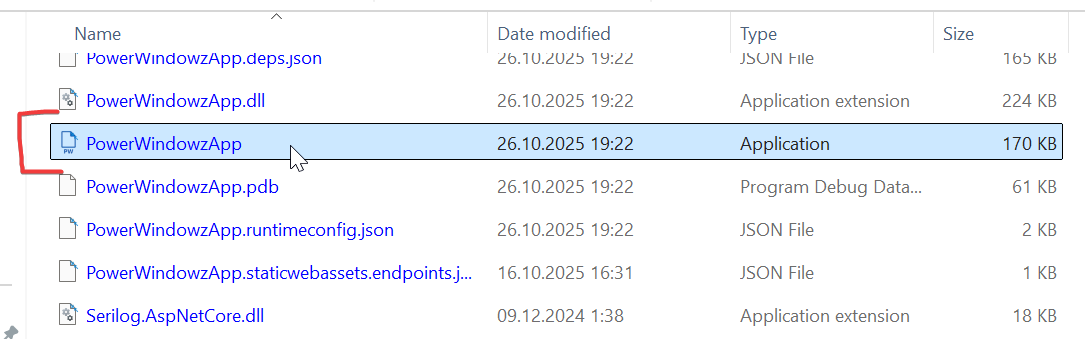
5. Find file PowerWindowz with icon
Open Windows Explorer (Win-E), go to C:\PowerWindowz directory, find file PowerWindowzApp with icon, press right mouse button on install file and select 'Run
as Administrator'
Enter password for current Windows user if prompted
6. Wait for installing and run PowerWindowz software
After installation is complete, PowerWindowz software will start automatically.
Software will automatically started while mini-pc rebooted
8. Use phone camera for scan QR-code on the screen of PowerWindowz and open link
Upgrade instructions
1. Stop (close) PowerWindowz application
2. Remove ALL files from C:\PowerWindowz directory
Don't worry - your video files & playlist stored in another directories.
3. Go to step 3 of installation (Download file to Downloads directory) and continue from this step